
Find Your Model Number
To find the right spare part, you need your appliance model number. Here's where to look on every type of appliance.
Why It Matters
What is a model number?
Every appliance has a unique model number — a combination of letters and numbers that identifies the exact product type and version. It's usually printed on a sticker or metal plate somewhere on the appliance.
Your model number is the key to finding the right spare part. Appliances that look identical can use completely different internal parts, so getting the exact model number ensures you order a part that's guaranteed to fit.
Model numbers typically look something like MF100W60 or MBO7NM30D0-SS. They're different from serial numbers, which are unique to each individual unit.
Where to look
Model numbers are usually on a sticker or metal plate behind a door, under a lid, or on the back of the appliance.
Take a photo
Stickers can fade over time. Snap a photo with your phone so you have a clear record for future reference.
Model vs serial
The model number identifies the product type. The serial number is unique to your unit — you need the model number for parts.
Can't find it?
Check the original paperwork, user manual, or the manufacturer's website. You can also contact us and we'll help.
Appliance Guides
Where to find it on your appliance
Select your appliance type below to see exactly where the model number sticker is located.
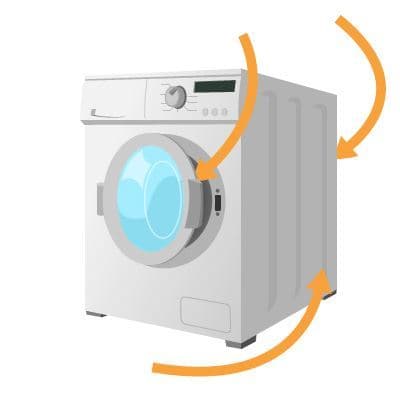
Washing Machine
Check around the door frame (front loaders) or under the lid (top loaders). Also look on the back or side panel near the bottom.
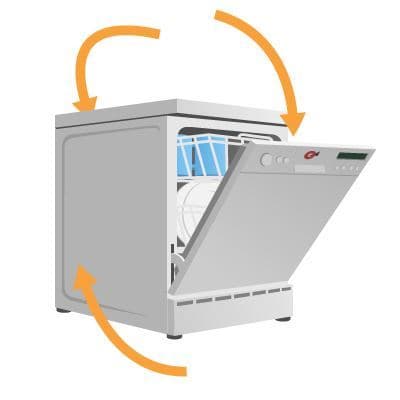
Dishwasher
Open the door and look along the top edge of the inner frame or on the left-hand side wall. Some models have it at the bottom left.
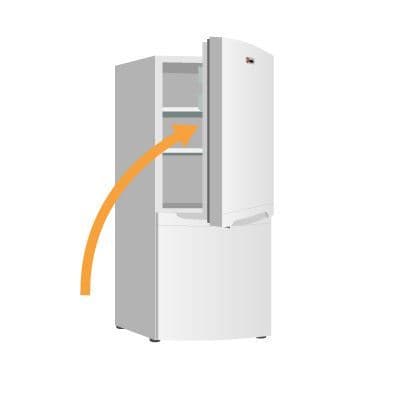
Fridge Freezer
Open the door and check the inside wall — usually on the left-hand side near the top. It can also be behind the salad drawer.
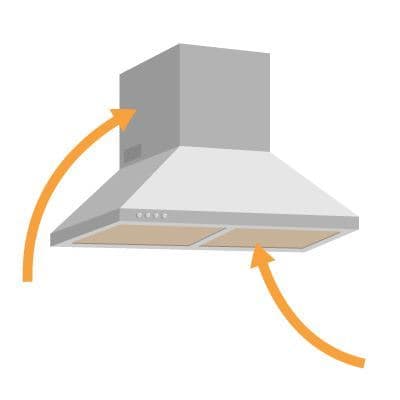
Cooker Hood
Look behind the grease filters on the underside of the hood, or on the inside of the outer casing at the back.
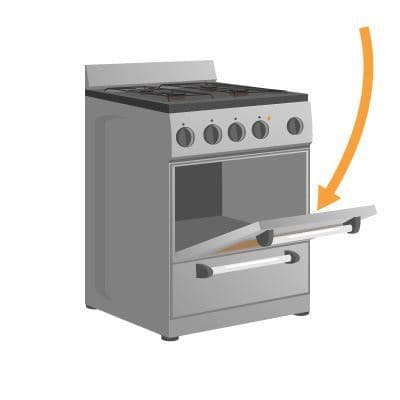
Oven
Open the oven door and check around the inner door frame. The sticker is usually on the left or right side of the frame.
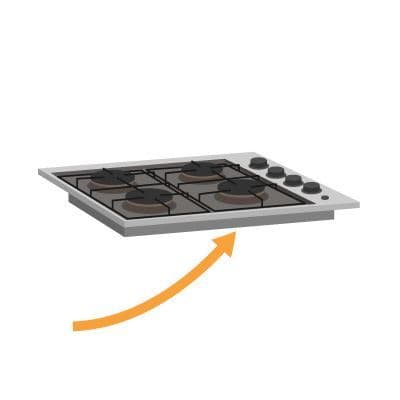
Hob
Look underneath the hob — you may need to open the cupboard below and look up. Some are on the underside of the glass top.
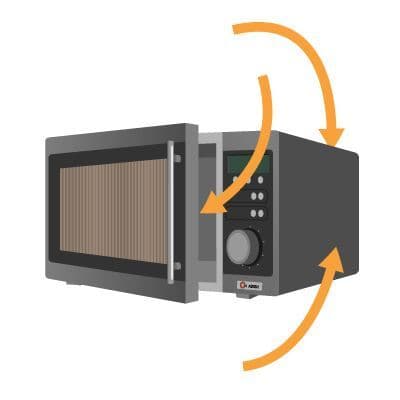
Microwave
Open the door and check around the inner door frame. Also look on the back panel or on the side of the unit.
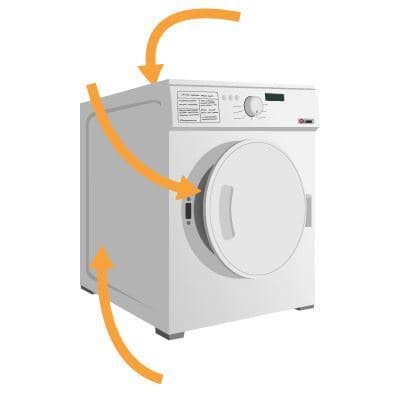
Tumble Dryer
Open the door and look around the inner rim or on the front panel behind the door. Check the back panel too.
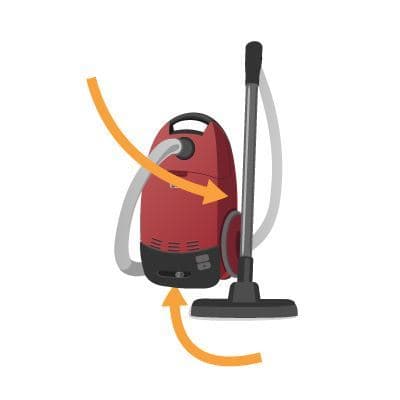
Vacuum Cleaner
Check the main body of the vacuum — often on the underside or near the base. Upright models may have it on the back.
General Tips
Still can't find it?
- 1
Check the door frame or inside the door — this is the most common location for washing machines, dishwashers, and ovens.
- 2
Look at the back or sides of the appliance — fridges, microwaves, and tumble dryers often have labels here.
- 3
Use a torch and your phone camera — stickers in dark or tight spaces are much easier to read with good lighting and a photo.
- 4
Ignore the serial number — the model number is what you need to find the right spare part. It typically contains letters and numbers.
- 5
Check your paperwork — the model number is often printed on the receipt, warranty card, or user manual.
Found your model number?
Now you can search for the exact spare part you need. Enter your model number to find genuine, compatible parts with fast delivery.